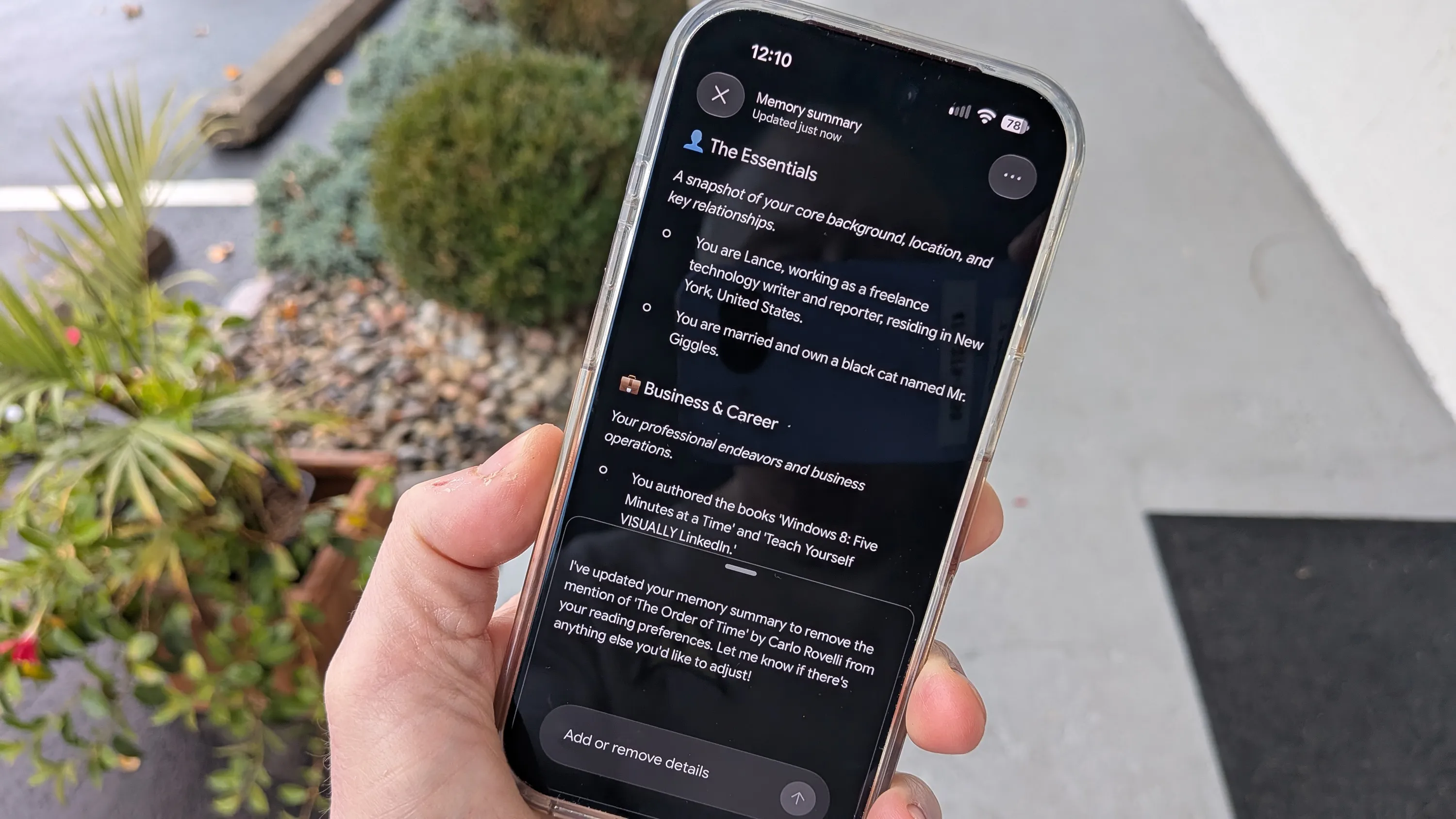
A new Memory summary option in Google Gemini lets users see and control the details the AI has gathered about them over time, according to ZDNET. The option is available on the Gemini website, in the iOS and Android apps, and in the Windows and Mac desktop apps.
To find it, users open Settings, select Personal Intelligence, then tap or click Memory summary. The feature appears grayed out if Memory is turned off, and the report says users must turn it back on to proceed. The summary groups details by category. The author's summary included Essentials, Business & Career, Reading & Interests, and Culinary Preferences. Memory history shows recent changes.
Users can edit entries on the website or desktop apps by clicking a pencil icon, changing the text, and saving. On mobile, where there is no direct editing, users can instead ask Gemini in a prompt to add or remove an item. The author reports that a request to remove a false business detail worked.
The author also writes that Google is not known for being privacy-friendly, but says the editing controls are a useful step. The article notes that personal details may be used to train the AI or be reviewed by humans, though it does not say how or under what conditions.