This is an opinion-style how-to from ZDNET's reviewer, who recommends six settings changes on the Pixel 11 Pro XL. The piece is a set of personal recommendations based on the author's weeks of use, not an independent test or news event.
The author says Camera Looks, a new setting that adjusts contrast, shadows, tint, sharpness and warmth before a photo is taken, can make images look over-processed unless changed. It is found in the camera app's settings icon.
The author recommends enabling "At a Glance" lock screen widgets, which are off by default. They show information such as weather, sports, flight details and delivery updates without unlocking the phone.
The author says the display is throttled by default for battery life. The author recommends changing Settings > Display > Screen Resolution from "High resolution" (1080 x 2404) to "Max resolution" (1344 x 2992), especially for reading text.
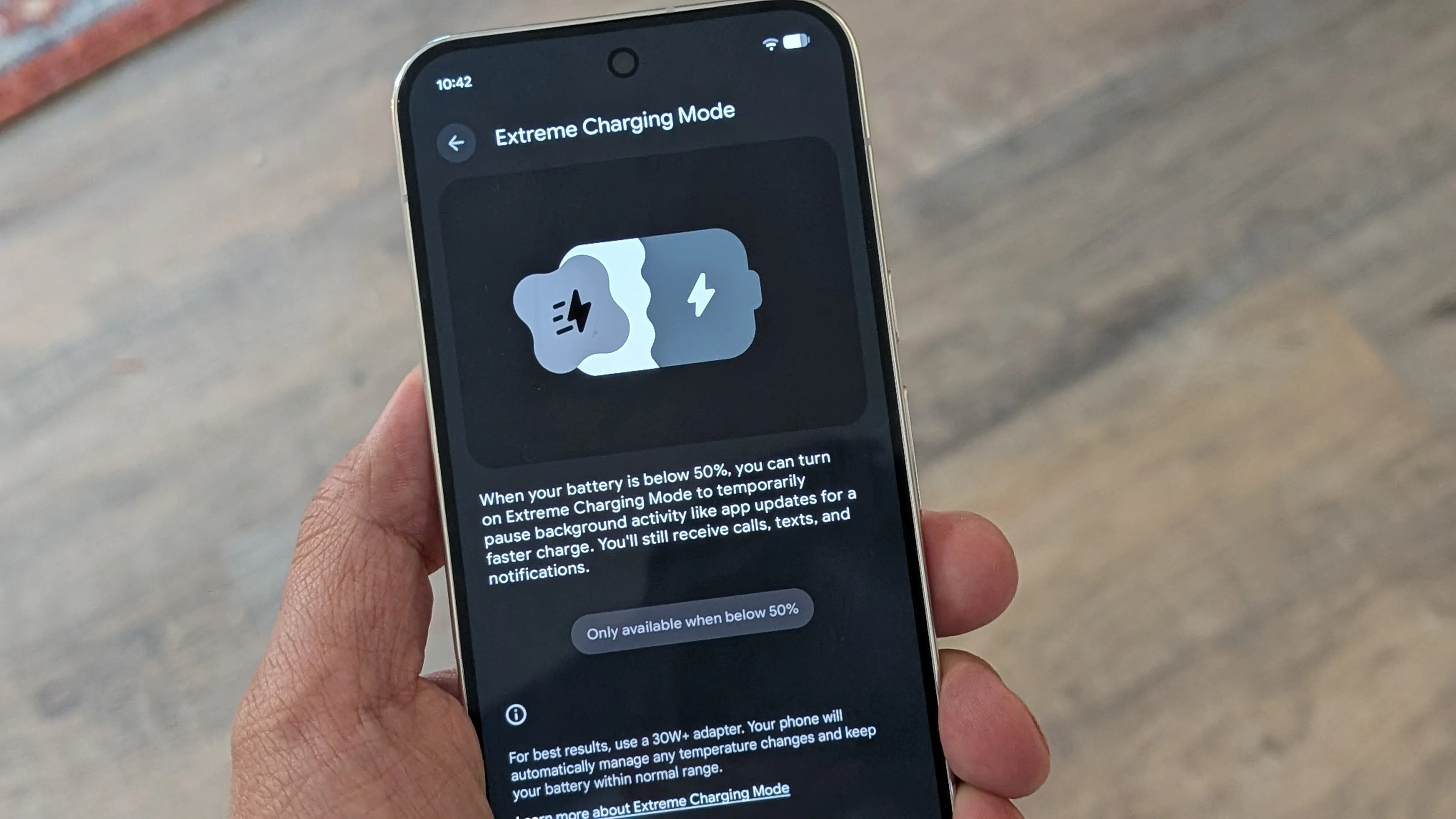
The author describes Extreme Charging Mode, which pauses background activity to speed charging. Google says it can charge the Pixel 11 and 11 Pro above 50% in 30 minutes and the Pixel 11 Pro XL to 75% in 30 minutes. The author says that estimate was accurate in their testing. The mode works only at or below 50% battery and must be enabled each time.
The author recommends assigning colors to contacts through the multicolor LED on the camera bump, which can signal who is calling. The author says this helped while the phone was silenced.
Finally, the author recommends turning on Notification History, which logs alerts from the last 24 hours, and AI Notification Summaries, which condense multi-notification threads into bullet points using on-device Gemini Intelligence.