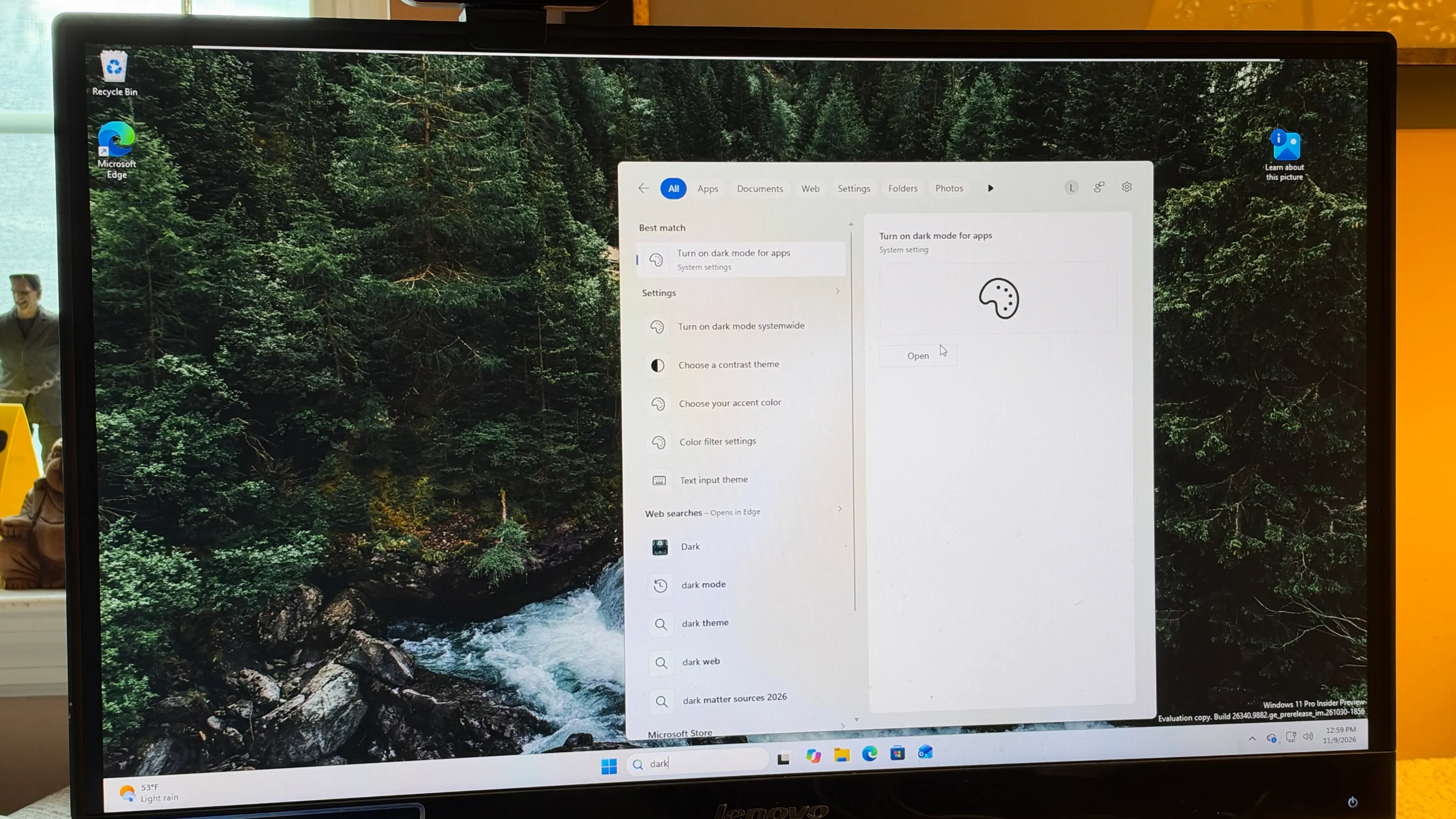
Windows 11 Search can now open specific settings directly from the search window, according to a ZDNET report. The feature, called inline actions, is available in the Beta channel of the latest Windows 11 Insiders Preview.
Users can type terms such as Dark mode, Bluetooth, screen brightness, Remote Desktop, the Windows clipboard, or Windows Update. The results then show an Open button that goes to the related setting. The author said the feature pointed to the right screens when tested with several settings.
Microsoft said in its announcement that the new Search experience is built on WinUI 3 and is "faster, more efficient, and features a streamlined design." Inline actions also let users turn on dark mode or Bluetooth, adjust screen brightness, mute the device, or arrange windows from Search.
Search can now correct some misspellings. According to the report, typing "drak" still returns results for Dark mode. Microsoft said it will keep refining Search over the next few weeks.
The latest build also includes a change to Windows Hello facial recognition. The screen can temporarily brighten to help users sign in in dark conditions. Users can enable this under Settings, Account, Sign-in options, Facial recognition, with the switch labeled "Automatically adjust screen brightness during face recognition."
To get the update, users must join the Windows Insiders Program and enroll in the Beta or Experimental channel. The report says the Search features require Beta Preview Build 26320.9876 or higher, which users can check under Settings, System, About. The author expects regular Windows users to receive the changes with the December Patch Tuesday update on December 8.